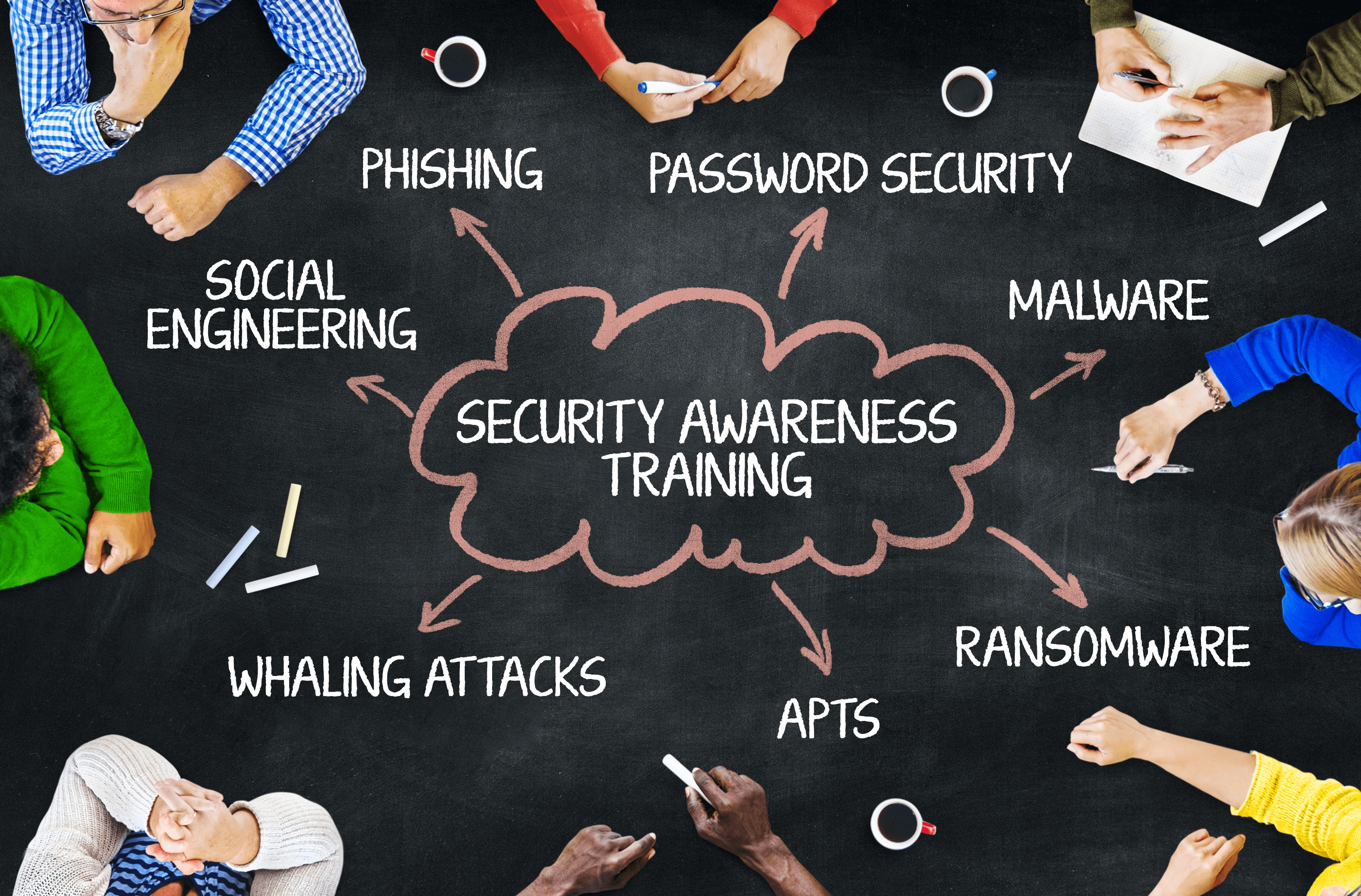
How to conduct Information Security Awareness and Training for an
Enterprise of any size?
Created by
Nimesh Ryan Silva
Website created for Florida Institute of Technology's CYB 5998 Capstone
Project in Information Assurance
Dr. Bulumulle - Spring 2 2022
Video on why we need Information Security Awareness and Training
The following steps below are to help you conduct Information Security Awareness and Training for any sized enterprise.
Step 1: Define Roles and Responsibilities
At a minimum, the following roles should be addressed in terms of
training needs: Executive Management, Security Personnel, System
Owners, System Administrators and IT Support Personnel, Operational
Managers and System Users.
Step 2: Perform a Gap Analysis on existing employees
* Interviews with all indicated essential groups and organizations. * Surveys of company. * Examining and evaluating accessible resources, such as current awareness and training materials, training schedules, and attendance lists. * Metrics linked to awareness and training (e.g., proportion of users completing mandated awareness sessions or exposure, percentage of users with substantial security responsibilities taught in role-specific information). * Examining security plans for general support systems and important applications in order to identify system and application owners and security representatives. * Examine the system inventory and application user ID databases to see who has access to what. * Any findings and/or suggestions from oversight bodies (e.g., congressional inquiry, inspector general, internal review/audit, and internal controls program) or program evaluations related to the IT security program are reviewed. * Interviews and discussions with management, owners of general support systems and significant applications, and other employees whose jobs depend on technology. * An analysis of occurrences (such as denial of service assaults, website defacements, hijacking of systems used in later attacks, and successful virus attacks) may highlight the need for certain groups of individuals to be trained (or to get extra training). When technical or infrastructural changes are made, do a review. Trends that have been detected in industrial, academic, or government publications, as well as by training and education groups, are studied. The usage of these "early warning systems" might give insight into an issue that has yet to be recognized as a problem inside the company.
Step 3: Interview existing employees, management, and stakeholders
* What level of awareness, training, and/or education (if any) is required? * What is being done right now to fulfill these needs? * What is the present state of affairs in terms of meeting these demands (i.e., how effectively are current efforts working)? * What gaps exist between the needs and what is now being done (i.e., what more has to be done)? * What are the most crucial requirements?
Step 4: Funding the Awareness and Training
* Allocation per user by role (e.g., training for key security personnel and system administrators will be more expensive than general security training for those in the organization who do not perform security-specific functions); * Percentage of overall IT budget; or * Explicit dollar allocations by component based on overall implementation costs.
Step 5: Develop Awareness and Training Material
* "Which behaviors should be rewarded?" (consciousness); and * "What skill(s) is/are the audience expected to acquire and apply?"
(training).
Step 6: Select Awareness Topics
* Password creation, administration, and protection, including generation, frequency of changes, and security. * Virus, worm, Trojan horse, and other harmful code protection — scanning and definition updates * Policy – Consequences of Non-Compliance * Unidentified e-mail/attachments * Web usage – permitted vs. banned; user activity monitoring * Junk mail. * Data backup and storage: centralized vs. decentralized.
* The use of social engineering. * Who should be contacted in the event of an incident? "How do I proceed?" * Surfing on one's shoulders. * System environment changes - increased threats to systems and data (e.g., water, fire, dust or filth, physical access). * Inventory and property transfer – determine the relevant organization and user roles (e.g., media sanitization). * Issues with personal usage and benefit — systems at work and at home * Security challenges with handheld devices - handle both physical and wireless security concerns. * Address agency policy, procedures, and technical contact for help with encryption and the transfer of sensitive/confidential information over the Internet. * Laptop security when traveling — take care of both physical and information security concerns. * Personal computers and software at work – specify if this is permitted or not (e.g., copyrights). * System patches are applied in a timely manner as part of configuration management. * Software licensing limitation concerns - determine when copies are permitted and when they are not permitted. * Software that is supported/allowed on company systems as part of configuration management. * Issues with access control - deal with least privilege and separation of roles. * Individual responsibility — define what this means in your company. * Passwords, access to systems and data, personal usage and gain are all covered by acknowledgment statements. * Desktop security – discuss use of screensavers, restricting visitors' view of information on screen (preventing/limiting "shoulder surfing"), battery backup devices, and allowed access to systems. * Visitor control and physical access to spaces – discuss applicable physical security policy and procedures, e.g., challenge strangers, report unusual activity. * Safeguard information that is susceptible to confidentiality issues – in systems, archives, backup media, hardcopy form, and until it is destroyed. Attached files and other regulations of e-mail list etiquette
Step 7: Develop a course in-house or outsource
* Do we have the necessary in-house resources to complete the task? This comprises persons with the necessary talents and a sufficient number of people to do the task.
* Is developing the content in-house or outsourcing more cost-effective?
* Is there a finance mechanism (budget) in place?
* Do we have someone on staff who can function as the contracting officer's technical representative (COTR) and supervise contractor activities effectively?
* If the content was generated by a contractor, does the agency have the required resources (e.g., finances and employees with the appropriate skills) to maintain it?
* Does the sensitivity of the course topic prevent the employment of a contractor?
* Is it possible to meet important training delivery deadlines through outsourcing?
Step 8: Implement the Information Security Awareness and Training Program
* A requirements assessment has been done; * A strategy has been devised; * A plan for executing that approach has been completed; and * Awareness and training material has been prepared.
Step 9: Deliver Awareness Material
* Messages on awareness items (such as pens, key fobs, post-it notes, notepads, first aid kits, clean-up kits, message-on-diskettes, bookmarks, Frisbees, clocks, and "gotcha" cards).
* Posters, checklists, or "do and don't lists."
* Screensavers as well as warning banners and messages.
* E-mail newsletters
* Desk-to-desk alerts (e.g., a hardcopy, bright-colored, one-page bulletin delivered via the organization's mail system – either one per desk or routed through an office).
* E-mails sent to the whole organization.
* VHS cassettes.
* Web-based sessions are available.
* Sessions that take place on a computer.
* Sessions of teleconferencing.
* Instructor-led seminars that take place in person.
* IT security days or events of a similar kind.
* Seminars in "brown bags."
* Calendar that pops up with security contact information, monthly security advice, and so forth.
* Mascots are mascots.
* Crossword puzzles are a great way to pass the time.
* Award-giving program (e.g., plaques, mugs, letters of appreciation).
Step 10: Perform Evaluation and Feedback
* Questionnaires/Evaluation Forms.
* Focus groups and selective interviews are two methods of gathering information.
* Observation/Analysis by a third party.
* Formal Status Reports are required.
* Benchmarking of Security Programs (External View).
Step 11: Establish Program Success Indicators
* Enough funds to carry out the agreed-upon approach.
* Appropriate organizational location to allow key stakeholders (CIO, program officials, and IT security program manager) to execute the plan successfully.
* Broad dissemination (e.g., online, e-mail, TV) and posting of security awareness materials are supported.
* Security communications from the executive/senior levels to employees (e.g., staff meetings, broadcasts to all users by agency head).
* The application of metrics (e.g., to indicate a decline in security incidents or violations, indicate that the gap between existing awareness and training coverage and identified needs is shrinking, the percentage of users being exposed to awareness material is increasing, the percentage of users with significant security responsibilities being appropriately trained is increasing).
* Managers do not take advantage of their position in the business to circumvent security procedures that are routinely followed by the rank and file.
* Attendance at required security forums and briefings.
* Appreciation for contributions to security (e.g., awards, contests).
* Those have major responsibilities in managing and directing the security program's motivation.